Before You Print Your QR Code: 7 Checks
Free checklistFrom the video
Before you print your QR code: 7 checks.
One A4 page. Print it, stick it next to your printer, tick it before every print run. No email needed. Free to print and share, as long as you keep the Systems Ninjas credit on it.
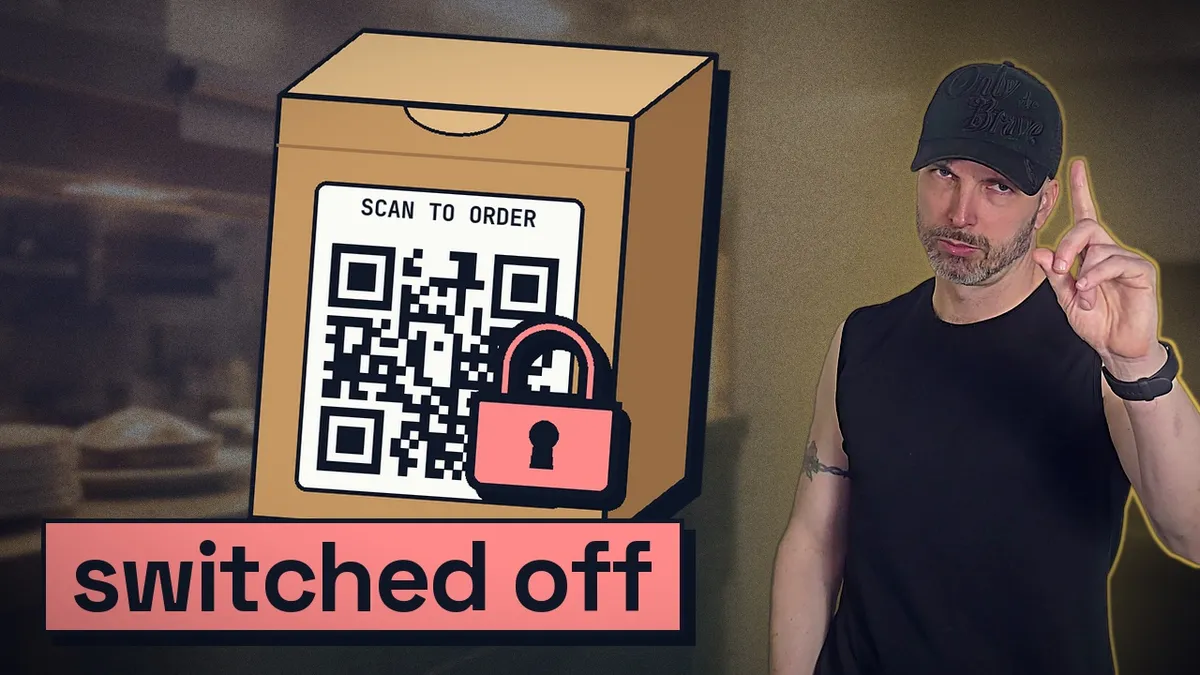
One of the worst pieces of advice about QR codes is "just make one on the first free QR website you find." Follow it, and one day every box, every menu and every flyer you printed can point at NOTHING. And nobody sends you a warning.
A QR code is a printed address. Once the ink is on the box, that address is on the box forever. So the only question that matters is: who owns the place that address points to?
Here are the 7 checks from the video. Run them before the full print run.
The 7 checksTick every one before you print
-
1Your code points at YOUR address, not at a QR website's link.
Skip the "dynamic" codes from free QR sites. They point at THEIR address first, then send people to you.
WhySome switch your code off when the free trial ends or you stop paying. Then every box you printed points at nothing. That is not a QR code. That is a hostage.
-
2The code holds a short address on your own website, like
yourbusiness.com/box.Make it a plain (static) code: no middleman, no subscription, nothing to switch off. The short address forwards people wherever you want them to go today.
WhyPages vanish when a website is rebuilt. Change where the short address goes and you NEVER reprint. Tell your web person to keep it. It's printed on things.
-
3It is big enough for the distance.
On packaging people hold: at least about 2 cm wide. Further away: about one tenth of the distance, so a poster people scan from 2 metres away wants a code about 20 cm wide. These are rules of thumb from printing guides, not a standard, so test it.
WhyA tiny code on the shop window looks clean. And nobody scans it from across the street.
-
4Dark code, light background, clear border all the way round.
Not light grey on white. Careful with white on black, because some scanner apps still cannot read a code with the colours flipped. Leave a clear margin 4 little squares wide on every side. Want a logo in the middle? Set error correction to high, keep the logo small, and test it.
WhyA phone camera is not looking at your brand. It is looking for contrast. Crop the border and it stops scanning.
-
5You scanned ONE printed sample, on the real material.
Use at least 2 different phones: an iPhone camera, an Android camera, Google Lens. In bad light. From the side.
WhyA code on a laptop screen is flat, bright and perfect. A real box is curved, shiny and folded. If you have to try 3 times, your customers will not try twice.
-
6The scan lands on a phone page with ONE job, and the reason to scan sits next to the code.
Not the homepage. Not a PDF menu you have to pinch and zoom. One job: join the club, leave a review, order again. And tell people WHY, in words, right next to the square. Like: "Scan to get your tenth coffee free."
WhyEvery scan happens on a phone, usually with one hand. A code on its own is a mystery box, and nobody opens a mystery box on a takeaway bag.
-
7Each place gets its own code.
Give each place its own short address:
/box,/menu,/flyer. Or add UTM parameters, a few extra words at the end of the link that say where the visitor came from. Got 3 branches? One code per branch.WhyThen you know which piece of paper is earning its keep, and which one you can stop printing.
2 more habitsProtect the people who scan
- Print the short address in small letters, right under the code. If the code does not scan, people can type it. And it protects your customers: criminals stick their own QR codes over real ones, on payment signs for example, and the FBI has warned about exactly this. When your address is printed right there, a customer can check the page they land on matches.
- Once in a while, walk past your own codes. Make sure nobody has stuck something on top.
Bonus5 uses a lot of businesses never think of
Once you OWN the code, it can do a lot more than open your homepage.
- A loyalty card that lives in the phone. The code adds your loyalty card straight into Apple Wallet or Google Wallet. No app to download, no paper card that goes through the wash. And now you have a way to reach that customer again.
- Order again on WhatsApp. WhatsApp lets you make a link that opens a chat with your business, with the message already typed in. Ordering again becomes one scan and one tap.
- Reviews. If your business is on Google, Google gives you a link and a QR code to ask for reviews. Put it where the happy moment happens. One warning: never give anything in exchange for a review. No free drink, no discount. Google does not allow it.
- The warranty card. A code inside the lid signs the customer up for the warranty. Now YOU know who bought it, not just the shop that sold it.
- Change it with the seasons. The box gets printed once. In December the code opens the holiday menu, in January the new year special. Same box, same code. That only works because you own the address.
Want to see what a loyalty card feels like in Apple Wallet or Google Wallet?
That's what we build at Systems Ninjas: the systems that bring a customer back a second time. There's a demo on our website.
See the demo
Uldis Zalcmanis aka Systems Rockstar
Founder, Systems Ninjas · Kuala Lumpur
I build the automation and AI systems businesses actually run on, and I am the person who gets called when one of them quietly stops working.